










Wine Labels


Features
Create Well-Designed Wine Labels That Stand Out on Shelves.
Custom wine labels place your brand as the top choice. A balanced combination of colors, smart typography and a strategic logo placement will lead people toward your bottle of shiraz or cabernet. Here’s how you can personalize every detail to complete the perfect label design.
How to Choose the Right Size and Shape for Your Wine Label
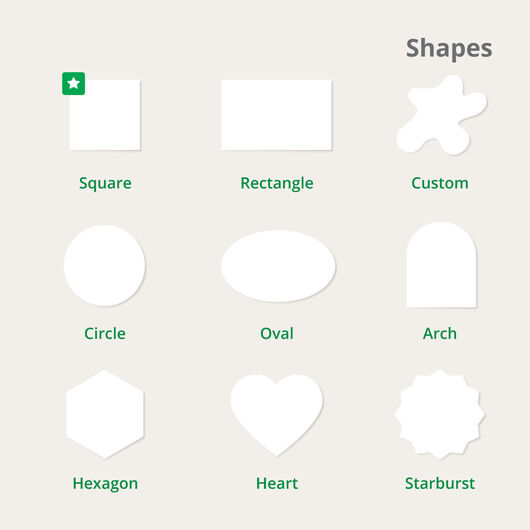
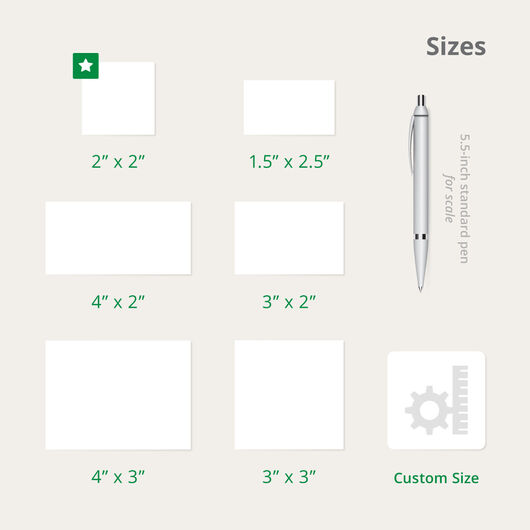
Determine your wine bottle’s shape. From there, you can select a suitable size for the label.
Below are the five common wine bottle shapes and the maximum height for their labels:
| Alsace – Normally for dessert wines such as Riesling. | 4.5” height |
| Bordeaux – The most used bottle size that can fit many label dimensions. Typically used on Merlot, Cabernet Sauvignon, and white wines like Sauvignon Blanc. | 6.5” height |
| Burgundy – Its sloping shoulder tends to lessen the height measurement options for labels; commonly seen on Pinot Noir and Chardonnay. | 4.5” height |
| Rhone – The bottle used for Syrah and Grenache. It looks like the Burgundy but measures differently in its circumference. | 4.5” height |
| Champagne – Pressure inside the bottle forms its shape; the thick glass allows it to withstand the pressure. | 4” height |
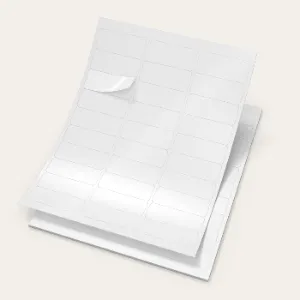
Choose Between Singles (formerly known as cut-to-size) or Roll Labels. Are you a small business labeling around 25 to 100 wine bottles and need to do so yourself? Singles comes in individual pieces you and your small team can apply in a few hours.
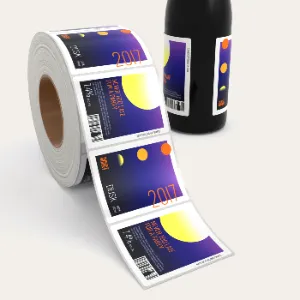
Roll labels fit most label dispensers. They have a 3” diameter roll and the number of labels per roll will depend on the size.
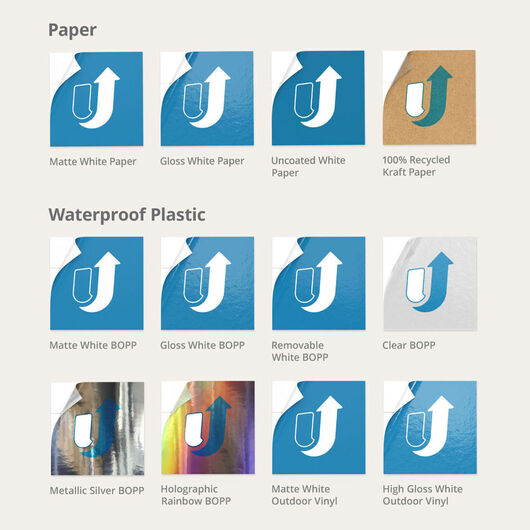
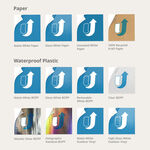
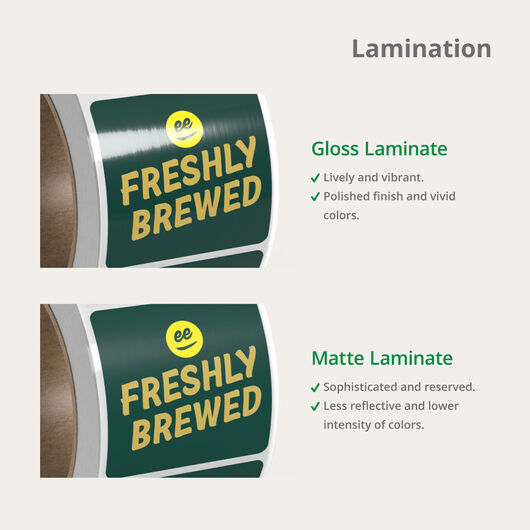
Select a paper that complements the colors and achieves the design’s intended effect.
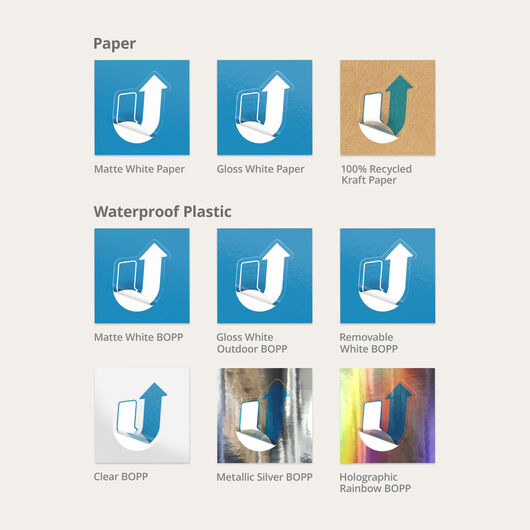
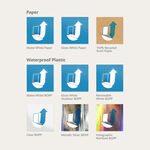
Singles labels come in two durable adhesive materials:
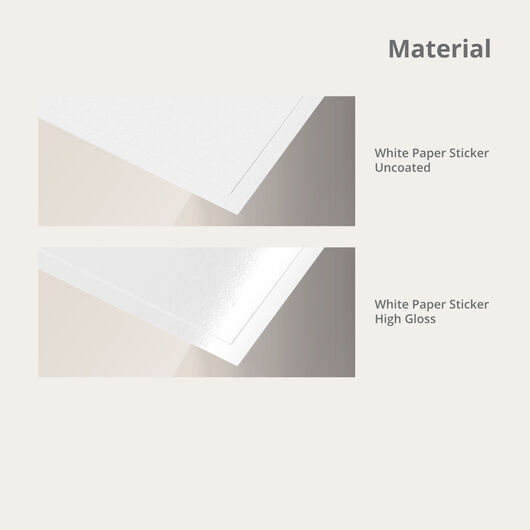
- White Paper is recommended for wine bottles that will primarily be stored indoors but not inside a refrigerator. It is not waterproof and comes in gloss, high-gloss, or matte coating.
- White BOPP is waterproof and oil resistant. It will keep your design good as new even if it’s refrigerated. Gloss BOPP can be displayed outdoors.
Roll labels are printed in the materials normally used on beverages:
- BOPP is tearproof, waterproof, and oil-resistant. Its polypropylene keeps the design intact even after exposure to moister, water, and oil in refrigeration.
- Textured materials are the standard choice for wine bottles. It comes in three variations of white and comes uncoated or in matte.
For more information on the available materials, check out the Material & Specs tab.
How to Print Your Personalized Wine Labels
Upload your file to our online calculator.
Have a print-ready file set to your desired size and shape? You can upload a file in PDF, JPG, PNG, AI, or PUB format. Files can be transferred from your computer, Dropbox or One Drive. The maximum file size upload is at 200 MB. On the same “File Upload” page, select “Wait – I want to receive and approve a free PDF proof” to review your PDF proof before it’s printed. Note that printing only begins once you approve the PDF from your uploaded file.
Create a design online, straight from your browser.
Our easy-to-use design tool lets you build a custom wine label design on your browser. The blank canvas is set in the size you choose on the online calculator. You can upload images, add text and shapes, and adjust colors on the tool.
Download a layout template and customize it from your preferred editing program.
The Templates tab lets you download any of the available sizes in AI, JPEG, PDF, PS, and PUB formats. Sizes are listed according to orientation and shape for easy selection.
Wine Labels FAQs
The largest size depends on the format and shape of your label. For the standard shapes under singles labels, the biggest dimensions are:
- Square/rectangle: 9” x 12”
- Circle: 4” x 4”
- Oval: 6” x 4”
The biggest sizes for roll wine labels are:
- Rectangle: 6” x 6.5”
- Square: 5” x 5”
- Circle: 6” x 6”
- Oval: 4” x 6”
- Custom: width – 6”; height – 12”
BOPP is tearproof, waterproof, and oil-resistant. These are recommended for items that will be refrigerated. Suitable for wine bottles that will be stored in a cool place.
- Singles: White Paper and Gloss White BOPP
- Roll: White premium sticker paper, indoor white and clear BOPP, heavy duty BOPP, silver metallic BOPP, and rainbow holographic BOPP
White ink increases the opacity on your custom wine labels. It is printed on the areas that will have a solid color on your design. This ensures that these areas do not appear transparent or in the silver metallic color of the BOPP material’s background. The four white ink options indicate how we will apply the white ink to ensure an accurate print:
- Make everything transparent – The entire label will be see-through or transparent. It will not have a white ink or colored layer.
- Make only the background clear – The background is transparent while all text and images will have the white ink layer underneath.
- Make white areas clear – The text, images, and background in white will be transparent. Everything else will have the white ink applied to show its color.
- Follow file settings – Select this if you have set up your file with the necessary transparency and HPT-white ink layers.

.png)